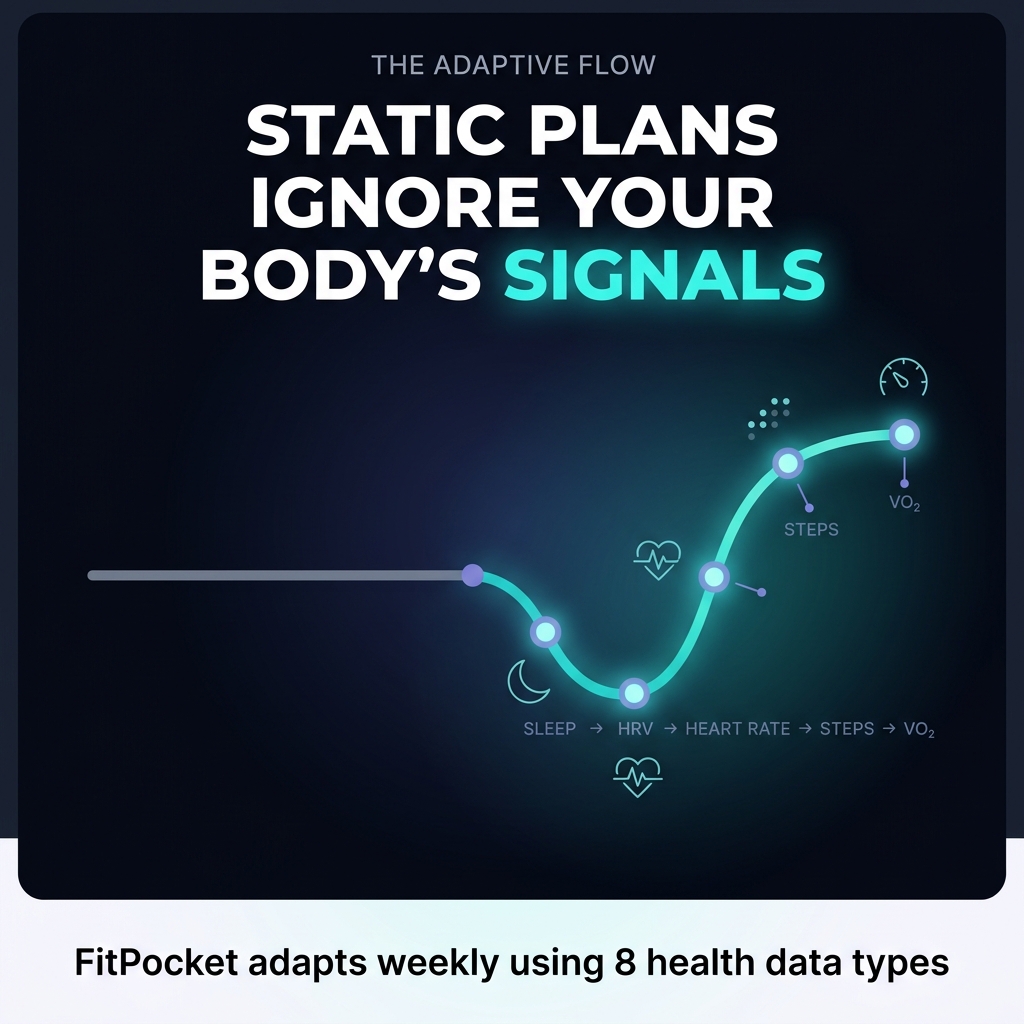
TL;DR: FitPocket reads eight Apple Health data types — sleep, HRV, resting heart rate, active heart rate, steps, active calories, VO₂ max, and workouts — and uses them to adjust your exercise and eating plans weekly. Every change is explained, every permission is explicit, and every limitation is stated.
FitPocket connects to Apple Health and reads eight specific data types to inform plan updates.
Recovery signals (HRV, sleep, resting heart rate) carry the most influence over intensity scheduling.
Plan changes are never silent — a "Why your plan changed" summary ships with every weekly update.
Three in-app feedback tools (Strength Log, Workout Check-in, Flex Meal) add context sensors cannot capture.
Apple's architecture keeps health data on-device; FitPocket reads only what you explicitly permit.
What Data Does FitPocket Read From Apple Health?
Most fitness plans fail for a simple reason. They are written once and never updated when your life changes.
Your sleep collapses during a stressful week. Your resting heart rate climbs after three hard sessions. Your step count drops because of travel. A static plan ignores all of it.
FitPocket treats these signals as the raw material of coaching. This article walks through exactly which Apple Health data types the app reads, how each one shapes your exercise and eating plans, what permissions look like on your device, and where the honest limitations sit.
The Eight Data Types
Once you connect Apple Health from the Connected Apps screen, FitPocket works with eight specific data types:
Sleep — duration and consistency, used to weigh recovery before intensity is scheduled
Heart rate variability (HRV) — a marker of how well your nervous system is recovering
Resting heart rate — a baseline readiness signal tracked as a trend, not a single number
Active heart rate — how hard your body actually worked during a session
Steps — your background activity, separate from planned workouts
Active calories — energy expenditure that informs eating plan targets
VO₂ max — Apple's estimate of aerobic capacity, tracked as a long-term trend
Workouts — type, duration, and intensity of logged sessions
The Connected Apps screen in FitPocket states the purpose plainly: "FitPocket uses your health data to personalize plans, track progress, and improve weekly reviews. You control what data is shared." The app refreshes this data each time you open it, and a "Last synced" timestamp shows you exactly when the most recent pull happened.
Strava connects alongside Apple Health and adds workout type, time, distance, effort, heart rate, elevation, cadence, and power where Strava provides it. Both integrations sit on the same screen with a Sync now button and a visible Disconnect option.
Key Point: FitPocket reads eight specific Apple Health data types — plus optional Strava data — and refreshes them every time you open the app, giving each weekly plan update the freshest available signal.
Why Does Recovery Data Carry So Much Weight?
The research case for building plans around recovery signals is strong.
A controlled study found that HRV-guided training produced similar improvements in cardiovascular function, body composition, and fitness as predetermined training, while participants spent significantly fewer days at high intensity. The same outcomes arrived with less strain.
That finding matches a core FitPocket assumption: if a plan requires unsustainable effort to follow, the plan is the problem.
Sleep tells a similar story. Athletes who improve sleep quality see up to 10% improvements in reaction time, strength output, and sprint performance without changing their training at all. Recovery infrastructure matters as much as workout design.
💡 Tip: A single low HRV reading means very little. FitPocket evaluates trends across days, because research shows HRV is most useful when tracked over time rather than as isolated measurements.
Key Point: Recovery signals — HRV, sleep, and resting heart rate — are the strongest inputs to intensity scheduling, because research shows adaptive plans produce equivalent results with less physiological strain.
How Does the Data Turn Into Plan Changes You Can See?
FitPocket never adjusts your plan silently. Every weekly update ships with a "Why your plan changed" summary that reads like a changelog.
A real example from the app:
"The warm-up on Monday changed from a 10 min brisk walk to 5 min dynamic stretching. The strength training on Monday is now a bodyweight circuit instead of full body strength training. The exercise plan now includes safety notes to ensure proper form and avoid shoulder strain."
The same summary covers the eating plan. In one update, Monday's breakfast changed from a vague "oats with banana and honey" to a precise specification: oats (50g), banana (1 medium), honey (1 tbsp). Each meal in the plan carries calorie and macro estimates, substitution options, and prep notes.
The summary also names its inputs and its gaps. A "Data considered" section lists what informed the update. A "Missing or stale signals" section admits when measurements or training data are absent and flags how that affects future adjustments.
Transparency is the mechanism of trust here. You see the reasoning, then you decide whether to follow it.
Key Point: Every plan update includes a plain-language changelog — what changed, why it changed, what data drove the decision, and what data was missing.
What Are the Three Feedback Loops Beyond the Sensors?
Apple Health provides the physiological backdrop. Three in-app tools add the context sensors cannot capture. The Plan screen calls this out directly: one plan, three feedback loops.
1. Strength Log
Planned sets and reps arrive prefilled. You change only what differed in reality. The log supports weight, machine, bodyweight, assisted, and band variations, in kilograms or pounds, so the record reflects what actually happened rather than what was scheduled.
2. Workout Check-in
You talk naturally for 30 to 60 seconds about energy, exercises that felt difficult, pain or soreness, and anything that should change next time. The audio is transcribed, then deleted. The transcript becomes a signal for the next plan update.
3. Flex Meal
Real life includes pizza. You photograph the meal, add helpful details such as "three pieces of thin crust pizza, cheese, chicken pieces, tomato base," and the app estimates calories and macros using nutrition data from USDA FoodData Central.
Every field is editable before anything is applied. You get two Flex Credits per week, and a credit is spent only after you approve and apply the adjustment. The screen states the principle outright: "FitPocket never silently changes your meals."
Key Point: Sensor data tells FitPocket what your body did. The Strength Log, Workout Check-in, and Flex Meal tell it what your experience and reality actually looked like — context sensors cannot capture on their own.
How Does FitPocket Handle Permissions and Privacy?
Apple's design makes privacy structural rather than optional. Health data stays on-device, and every data type requires an explicit, separate permission. No backend API exists for remote access to your Apple Health store.
This means FitPocket reads only what you grant, through the iOS permission flow, on your phone. You can revoke any category at any time in the iOS Health settings, and the Disconnect option inside FitPocket cuts the integration entirely.
The same consent logic runs through the rest of the app. Notifications are opt-in per category, with meal reminders firing only at the exact local times you enter. Voice check-in audio is deleted after transcription. Body Scan photos follow a documented guide with exact requirements: 810 by 1080 pixels, portrait orientation, front and side views, device pitch and roll within plus or minus 2 degrees.
Key Point: Apple's HealthKit architecture keeps your data on-device by design. FitPocket reads only the categories you explicitly permit, and you can revoke any of them at any time.
What Are the Honest Limitations of This System?
An honest look at what this system cannot do matters as much as what it can.
Sensor estimates carry error. Apple's VO₂ max figure is an estimate, useful as a trend line rather than a lab-grade measurement. Generic heart rate formulas based on age are notoriously inaccurate, which is exactly why individualized baselines beat population averages.
Individual response varies. Research on sleep heart rate and HRV during overload training found substantial individual differences in how people respond to intensified training. FitPocket accounts for this by tracking your baselines, and the variance remains real.
Missing data degrades adjustments. The app tells you this itself. When strength logs or measurements are absent, the "Missing or stale signals" section says so, and plan updates lean on less context.
Photo-based meal estimates are approximations. Hidden oil, butter, cream, and recipe yield change the numbers, which is why the check-and-correct step exists before anything is applied.
⚠️ Important: FitPocket's AI Trainer, available through chat, voice notes, or live voice sessions, provides practical coaching guidance based on your profile, plan, progress, and check-ins. The app labels this clearly on every trainer screen: educational only, not medical advice.
Key Point: Every measurement in this system — VO₂ max, HRV, meal photo estimates — carries inherent error. FitPocket surfaces these limitations directly in the app rather than hiding them.
What Does This Architecture Actually Signal?
The commonly overlooked insight is that adaptation beats optimization.
A perfectly optimized plan built for a person with unlimited sleep, zero stress, and a fixed schedule fails the moment reality intervenes. A plan that reads your sleep, HRV, resting heart rate, steps, active calories, VO₂ max, and workouts each week, then explains its adjustments and asks for your approval, keeps working through imperfect weeks.
The most sophisticated Apple Health integrations in 2026 both read recovery data and use it to adapt training plans continuously. That describes an operating principle rather than a feature checklist.
Your data stays under your control. Your plan explains itself. Your real life becomes input rather than failure.
If you want to see how your own Apple Health data reshapes a weekly plan, connect it in FitPocket's Connected Apps screen and review the first "Why your plan changed" summary. The reasoning is visible from day one.
Key Point: A plan that adapts to real-life variance — through weekly data reads and transparent explanations — sustains results where static, optimized plans break down the moment life becomes imperfect.
Frequently Asked Questions
Does FitPocket access Apple Health data automatically?
No. FitPocket reads Apple Health data only after you grant explicit, category-by-category permissions through the iOS permission flow. The Disconnect option inside the app cuts the integration entirely at any time.
Which Apple Health data types does FitPocket actually use?
FitPocket reads eight types: sleep, HRV, resting heart rate, active heart rate, steps, active calories, VO₂ max, and workouts. Strava adds workout type, distance, effort, heart rate, elevation, cadence, and power where available.
How does FitPocket use HRV to adjust my plan?
FitPocket tracks HRV as a trend across days rather than reacting to single readings. When the trend signals inadequate recovery, the system reduces scheduled intensity — because HRV research shows the most useful signal emerges from patterns, not isolated data points.
How often does FitPocket update my plan?
Plans update weekly. Each update includes a "Why your plan changed" summary listing the data considered, the changes made, and any signals that were missing or stale.
What happens if I miss logging workouts or meals?
Missing data is flagged explicitly in the "Missing or stale signals" section of your plan update. The system continues to function, but plan adjustments are informed by less context — the app tells you this directly.
Is the AI Trainer giving me medical advice?
No. The AI Trainer — accessible through chat, voice notes, or live voice — provides educational coaching guidance based on your profile, plan, progress, and check-ins. Every trainer screen labels this clearly: not medical advice.
How accurate are the Flex Meal calorie estimates?
Estimates are drawn from USDA FoodData Central nutrition data, but hidden ingredients like oil, butter, and cream affect accuracy. Every field is editable before the adjustment is applied, and a credit is spent only after your approval.
What is a Flex Credit and how many do I get?
A Flex Credit lets you photograph an off-plan meal and have it estimated and applied to your eating plan. You receive two Flex Credits per week, and a credit is used only when you approve and apply the adjustment.
Key Takeaways
FitPocket reads eight Apple Health data types — sleep, HRV, resting heart rate, active heart rate, steps, active calories, VO₂ max, and workouts — refreshed every time you open the app.
Recovery signals carry the most influence: HRV-guided training research shows equivalent fitness outcomes with less physiological strain.
Every plan change is explained in a plain-language changelog. Transparency is the mechanism of trust — you see the reasoning before deciding whether to follow it.
Three in-app feedback loops — Strength Log, Workout Check-in, and Flex Meal — add qualitative context that sensors alone cannot provide.
Apple's HealthKit architecture keeps data on-device. FitPocket reads only what you explicitly permit and surfaces every limitation directly in the app.
Adaptation outperforms optimization. A plan that adjusts to imperfect weeks keeps working where a static plan fails at the first disruption.